
Latest update: October 12, 2026
It might be difficult to handle your projects if your tasks and updates are spread across different tools. Project management software helps you gather all these details. So, your teams will stay organized and keep work moving.
The right tool will simplify the processes of assigning tasks and communicating with teammates. It can also reduce repetitive work and give you a clear view of your progress.
We want to tell you more about some of the best project management software solutions and help you pick one for your needs!
| Tool | Learning curve | Customization level |
|---|---|---|
| Asana | Moderate | High |
| ClickUp | Higher | Very high |
| Trello | Low | Moderate |
| monday.com | Moderate | High |
| Wrike | Moderate to high | High |
| Jira | Higher | High |
| Miro | Low to moderate | High |
About Project Management Software
Project management software allows you to plan and execute all your essential work tasks. Your teams can use one platform to keep all the information together instead of relying on spreadsheets and chat messages.
These tools are suitable for simple initiatives with a few tasks and complex workflows involving multiple teams. Every member will have a shared view of responsibilities and progress for each task.
As Winston Churchill said,
“Those who plan do better than those who do not plan, even though they rarely stick to their plan.”
A good project management tool simplifies planning while allowing you to change your priorities when necessary.
You probably want to know what these platforms have to offer. They usually have a set of core features that can help you manage your daily work. These typically include
- Task assignments;
- Project planning;
- Team collaboration;
- Time tracking;
- File sharing;
- Reporting and analytics;
- Automation.
You can organize your workflow much better with the help of these features.
Almost any team can use project management software to keep work organized and on track. Individuals can also use these tools to manage personal goals and long-term tasks. Their main advantage is having a clear system for planning work and tracking progress, with a screenshot helping teams visualize key updates.
Top 7 Project Management Software Tools
Project management platforms might look similar at first. However, they accommodate different types of work.
We highlighted some tools that can cover a range of your needs. Each offers a different combination of features. So, the right option depends on how you organize work.
1. Asana
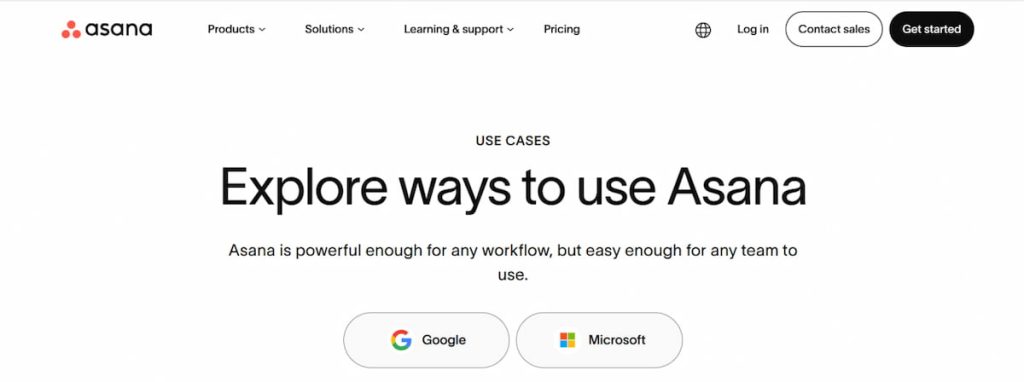
Asana is a flexible project management platform for team workflows. You can use it to assign work and coordinate assignments for different departments.
You can display the work as a list, calendar, or Kanban board. Tasks can also include any custom fields and attachments.
Some of its key features include
- Workflow coordination;
- Board and timelines;
- Dependencies and milestones;
- Custom fields and templates;
- Forms for collecting work requests;
- Resource management;
- Portfolios and dashboards;
- Workflow rules;
- Integrations with other workplace tools.
Asana will be particularly useful if you need clear ownership and visibility for several projects. Its portfolio features can also help you oversee multiple initiatives rather than focusing on one thing at a time.
2. ClickUp
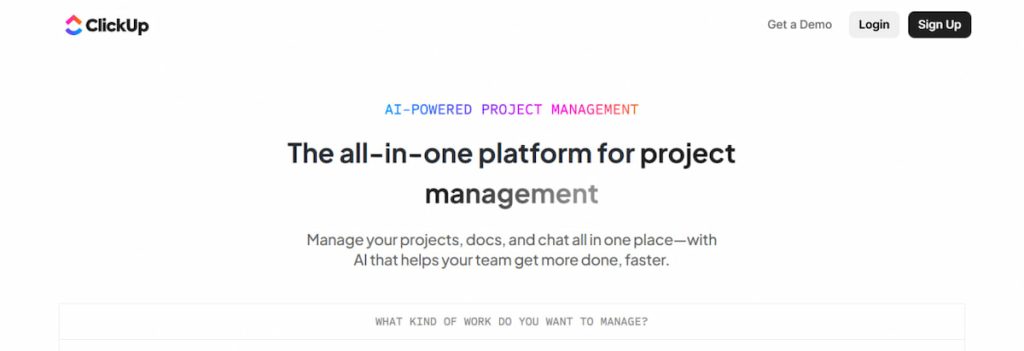
ClickUp can offer you a broader approach to work management. You can use it to keep all documents and work tools in one workspace. You can replace separate productivity applications with this one platform.
This solution uses a hierarchy of Folders and Lists to organize work. Your team members can customize tasks with fields. They can also use different views to monitor risks and other information.
Some of its main features are
- Custom fields and statuses;
- Multiple views;
- Docs and knowledge management;
- Dashboards;
- Time tracking;
- Recurring tasks;
- Workflow automations;
- Templates;
- Team chat;
- AI features.
Flexibility is a huge advantage of ClickUp. You can build detailed workflows around your own processes instead of limiting them to one structure. The trade-off is that the large number of features and customization options can take some time to learn.
3. Trello
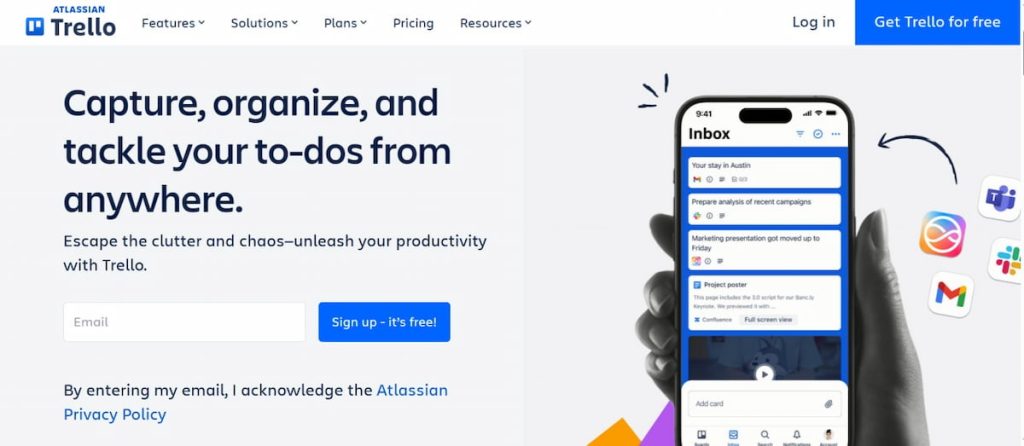
Many people know Trello for its simple and visual approach. It has a system that features boards and cards. So, you can see which work you still need to complete.
A Trello card can represent your tasks or content ideas. You can add due dates, attachments, and other details to these cards. These points will show how work moves through the workflow.
Its key features include
- Visual boards;
- Lists and cards;
- Content management;
- Labels and task assignments;
- Comments;
- File attachments;
- Templates;
- Automation;
- Timeline-style planning options.
Trello is a good choice for smaller teams and individual workers.
This platform is less focused on complex resource planning than some enterprise tools. However, its straightforward design can make it easier for new users to start working without extensive training.
4. monday.com
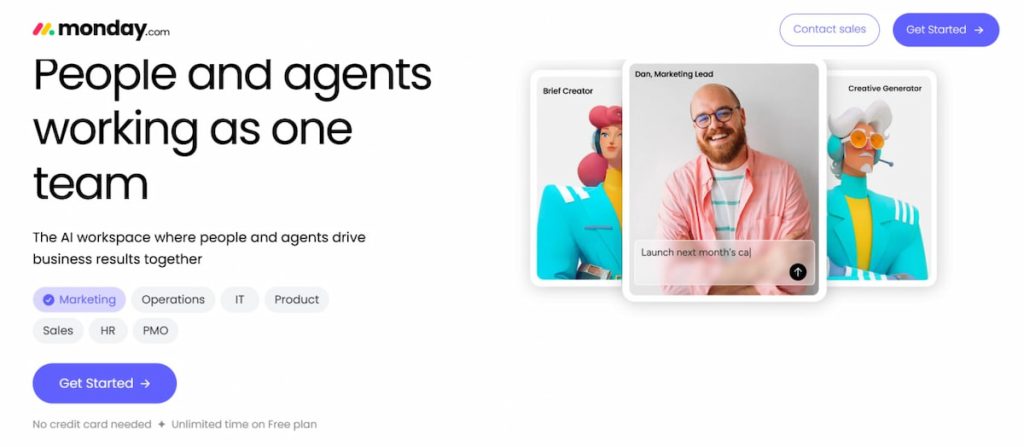
Monday.com combines project management with broader work management capabilities.
Its system is built around customizable boards where you can organize work using items and columns. This structure gives you considerable control over how you represent projects.
You can adapt the board for campaign planning, client work, or internal operations. You can also use different dashboards to examine the same work from different perspectives.
Some of the key features are
- Customizable boards;
- Timeline and calendar views;
- Dashboards and reporting;
- Workload control;
- Automations;
- Notifications and reminders;
- File and document management;
- Templates.
Another useful feature of monday.com is automation. You can create rules that send notifications or handle handoffs between team members.
This platform is a strong option for teams that need a highly individualized workspace. It can be especially useful when separate departments need to deal with different workflows.
5. Wrike
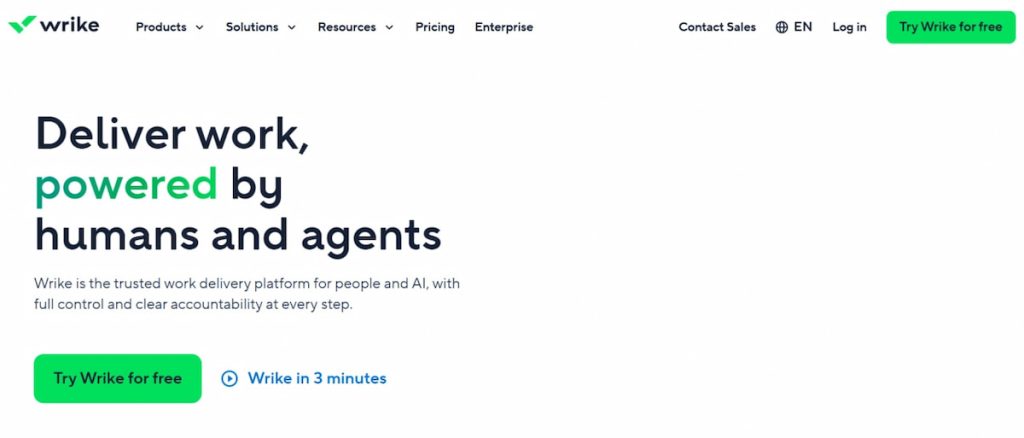
Wrike is a great platform with detailed resource management and collaboration features. It offers various view tools for larger projects and complex workflows.
This platform also has Gantt charts and personalized dashboards. You can visualize dependencies and milestones, while workload views help managers see work distribution.
Their main features include
- Kanban boards;
- Calendar and table views;
- Custom reports and analytics;
- Workflow management;
- Automation;
- File and document collaboration;
- Integrations;
- AI tools.
Wrike is a top option if you need more than a basic task list. Its resource and workload tools can help you identify uneven workloads. So, you can adjust assignments across your projects.
This platform is therefore worth considering for agencies and larger organizations. It will help you coordinate several tasks and teams at the same time.
6. Jira
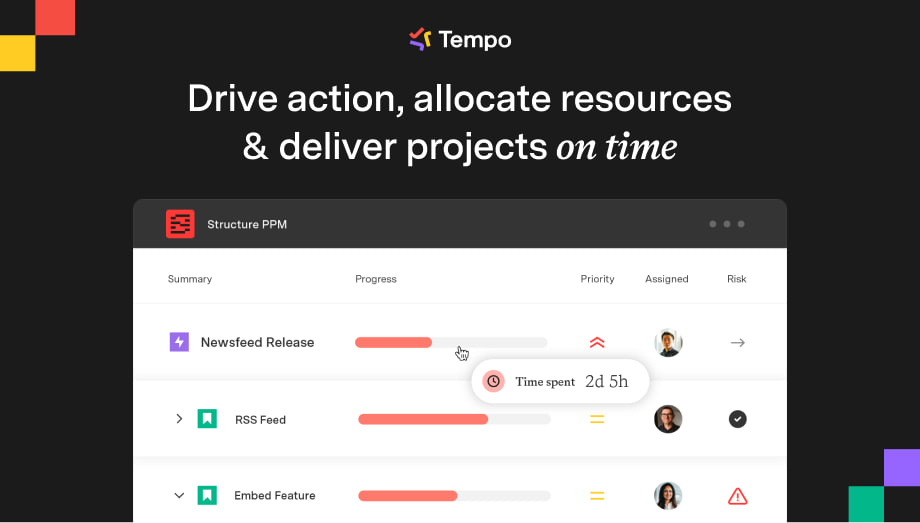
Jira is a popular solution for software development and technical teams. It mostly focuses on agile project management, including Scrum and Kanban methodologies.
You can use Jira to prioritize work and manage your backlogs. You can also plan sprints and track any bugs. Jira boards provide a visual overview of work, while timeline views can help you plan longer assignments.
Some of the key features are
- Scrum and Kanban boards;
- Backlog management;
- User stories and epics;
- Sprint planning;
- Task dependencies;
- Custom workflows;
- Agile reports and analytics;
- Workload reporting;
- Marketplace apps.
You can also benefit from its reporting capabilities. You can use sprint, cumulative flow, and control charts to understand delivery performance.
Jira is especially suitable for organizations using agile methods. Its detailed workflows may be more than a small non-technical team needs.
7. Miro
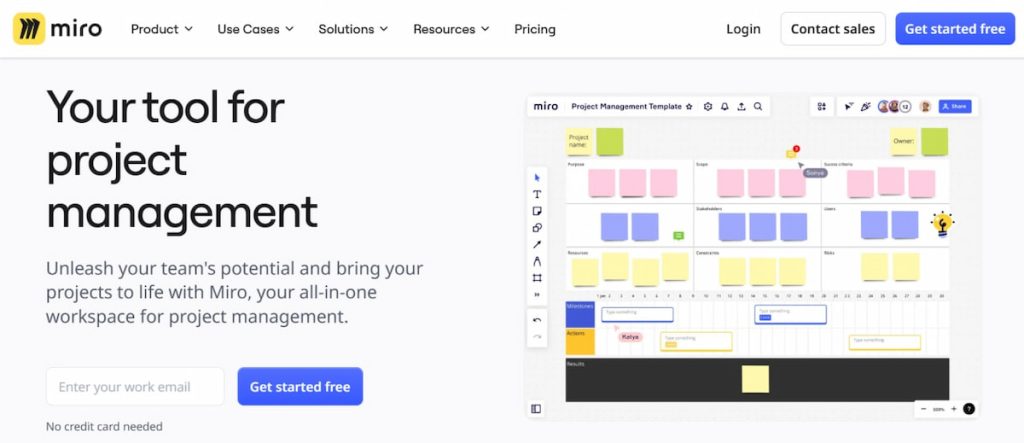
Miro approaches project management from a visual collaboration angle. You can use a shared digital canvas to organize ideas and map your processes.
This solution also has various templates and work breakdown structures. You can use many visual frameworks. You can personalize these boards and collaborate in real time.
Its key features include
- Collaborative visual boards;
- Kanban boards;
- Work breakdown structures;
- Mind maps;
- Task cards;
- Real-time collaboration;
- Brainstorming tools.
This solution is particularly useful during the planning and collaboration stages. For instance, you can use a visual board to break down a big assignment and decide on responsibilities.
Miro is a good fit for people who prefer visual thinking and collaboration.
How to Pick Your Project Management Software
Choosing project management software will be easier when you focus on your team’s actual needs. The number of features a platform offers is not as important. You have to consider the following factors
- Team size and project complexity;
- User-friendliness;
- Pricing and available plans;
- Task and workflow management;
- Collaboration features;
- Integrations;
- Analytics;
- Customization;
- Security and permissions;
- Mobile and desktop availability.
You can narrow down your options and stay within your budget by evaluating these points.
Plus, testing several platforms can help you choose the right solution for your team. You can use free demos to see how each tool fits your current workflow.
Conclusion
An appropriate project management software solution should make your work easier. So, you have to evaluate your team size, requirements, and budget thoroughly.
Then, you have to compare various features, like
- Task management;
- Collaboration;
- Integrations and reporting;
- Personalization;
- Security;
- Device support.
No single platform is the right fit for every business. So, you should test each alternative and see whether it meets your team’s needs before deciding.