

Latest update: May 7, 2026
Creativity is not enough to achieve consistent marketing results. You need a full stack of professional tools to deliver real impact. However, it might be difficult to pick the appropriate instrument for your needs.
Reliable mechanisms and platforms will help you plan and optimize your entire strategy. So, I want to tell you about my top 7 marketing tools!
Why You Need Innovative Marketing Tools
Modern businesses are under pressure to adapt and stay relevant. As Milan Kundera once said,
“Business has only two functions – marketing and innovation.”
Your top products and services might go unnoticed without continuous innovation in how you engage your audience. So, advanced marketing tools including interactive content are essential for your success.
Positioning Advantage
Technological progress and high competition are influencing how current markets operate. Some methods that you used a year ago might be irrelevant now.
Innovative marketing tools allow you to respond to these changes with agility. You have access to tons of free and paid instruments for any purpose.
Professional tools are your foundation for remaining competitive and responsive.
Customer Engagement Improvements
Customer engagement has moved past basic interactions. People want you to account for their needs and preferences.
Advanced tools allow you to achieve that by segmenting data more accurately. You can group your audiences based on
- Demographics;
- Behavior;
- Purchase history;
- Intent.
These details help you create targeted campaigns that match the individual needs of each client.
Plus, chatbots and AI systems enhance their satisfaction even more by providing instant communication. Some other mechanisms also allow you to monitor conversations and respond in real time.
Stronger engagement usually leads to increased trust and much higher retention rates.
Productivity Improvements
Marketing operations can become pretty complex, especially when you manage different channels. Innovative tools can automate some of your tasks to simplify these processes.
You can use automation platforms to handle
- Campaign scheduling;
- Lead nurturing workflows;
- A/B testing.
Plus, they offer you centralized dashboards that gather all campaign data into one place.
Different cooperation tools are also important for improving your productivity. They allow you to coordinate campaigns and manage tasks more effectively.
Scaling Your Efforts
Your marketing operations will have to expand to accommodate a larger audience and additional channels. Modern marketing tools are made to scale alongside this growth.
New CRM systems can handle increasing volumes of data without sacrificing user experience. Diverse automation platforms can manage thousands of interactions simultaneously.
Plus, these tools typically support multi-channel strategies. So, you can coordinate multiple campaigns from a single platform.
Scalability lets you deliver quality experiences, regardless of your business’s size or complexity.
Top 7 Marketing Tools I Use
Current marketing requires you to build connected systems. You need a complex strategy that covers different aspects of this domain. So, I gathered some tools that you might use in your practice.
Each of these instruments has its individual strengths that also complement one another.
| Tool | Best For | Key Strenght |
|---|---|---|
| Semrush | SEO and Competition research | Large SEO database, quality keyword research |
| HubSpot | Inbound Marketing and CRM | Advanced marketing automation |
| Hootsuite | Social Media Management | Scheduling for multiple platforms |
| Salesforce | CRM and Sales Automation | Strong customer data management |
| Google Analytics | Website Analytics | Detailed traffic insights |
| YouCam Online Editor | Product Page Visual Optimization | Coverage from image and video editing to beauty and fashion virtual try-on APIs |
| Canva | Content Creation | Simple design tools |
| Mailchimp | Email Marketing | Automation and templates |
| Supapin | Pinterest Automation | Fully automated pin creation, scheduling, and publishing |
| Templated | Bulk Creative Generation | API-based image, video, and PDF generation from reusable templates |
Semrush

Semrush is a top SEO and digital marketing platform. This tool is your starting point for content and SEO planning.
You can identify high-value keywords and analyze your competitors that are ranking for them. It allows you to examine their content structure and traffic sources to build your strategy.
Some of the key features of Semrush are
- Keyword Magic Tool;
- Domain Overview;
- Backlink Gap Analysis;
- Site Audit;
- Position tracking.
Pros:
- Large SEO database;
- PPC and content marketing tools;
- Constant feature updates.
Cons:
- High pricing;
- Limited data accuracy;
- Complexity for beginners.
Semrush is my go-to because it makes SEO more focused and strategic. It allows you to determine effective tactics and opportunities to surpass your competitors.
Hubspot

HubSpot unifies marketing and sales into one system. It focuses on the entire journey of your clients.
HubSpot allows you to implement fully automated marketing funnels. It stores details about your visitors and tracks their further behavior. Then, it can help you score the leads and pass them to sales.
Its key features include
- Advanced CRM;
- Marketing automation workflows;
- Landing pages and forms;
- Email campaign management;
- Lead segmentation;
- Detailed analytics dashboards.
Pros:
- Centralized platform;
- Strong automation capabilities;
- Excellent UI/UX;
- Big ecosystem of integrations.
Cons:
- Long initial setup;
- Expensive scaling;
- Some customization limitations.
I use this tool to ensure structure and consistency in my marketing initiatives. It allows me to run continuous lead nurturing campaigns.
Hootsuite
Hootsuite allows you to control all your social media accounts from one convenient platform. You can use it to plan and execute entire social media campaigns in advance.
Some of Hootsuite’s features are
- Unified dashboard;
- Post scheduling and automation;
- Social listening;
- Keyword tracking;
- Performance reports;
- Team collaboration mechanisms.
Pros:
- Easy to use for beginners;
- Efficient content management;
- Ream workflow support.
Cons:
- Limited analytics on lower plans;
- Costs increase for additional users;
- Cluttered interface.
I use this tool to achieve more consistency in my social media campaigns. It’s a great solution for stable brand exposure and audience engagement.
Salesforce
Salesforce is a famous CRM solution that can handle complex customer interactions. This alternative is ideal when you need extensive customization and data management.
You can use it as your central hub for all exchanges with your clients. It allows you to track each lead and deal in one system.
The main features of Salesforce are
- Advanced CRM database;
- Workflow automation;
- AI instruments;
- Custom dashboards;
- Extensive integration ecosystem.
Pros:
- Flexibility and customization;
- Ideal for large-scale operations;
- Forecasting capabilities;
- Strong ecosystem of add-ons.
Cons:
- Requires training and onboarding;
- High implementation cost;
- Complex for small businesses.
I’d recommend this platform if you need precision and scalability in managing customer relationships. It offers you more control over data and processes.
Google Analytics
Google Analytics is the basis of performance tracking in digital marketing. It provides you with details about user interactions with your website. So, you can understand their behavior and engagement trends.
This platform tracks user activity through events and sessions. You can optimize your website accordingly.
Its main features include
- Traffic source analysis;
- User journey tracking;
- Conversion and event tracking;
- Live data monitoring;
- Integration with Google Ads.
Pros:
- Free alternative;
- Industry-standard tool;
- Deep behavioral insights.
Cons:
- GA4 is complex for beginners;
- Requires proper setup;
- Limited historical data migration.
I use this tool to back all my marketing decisions with data. It helps me highlight more effective tactics and create optimization plans.
YouCam Online Editor
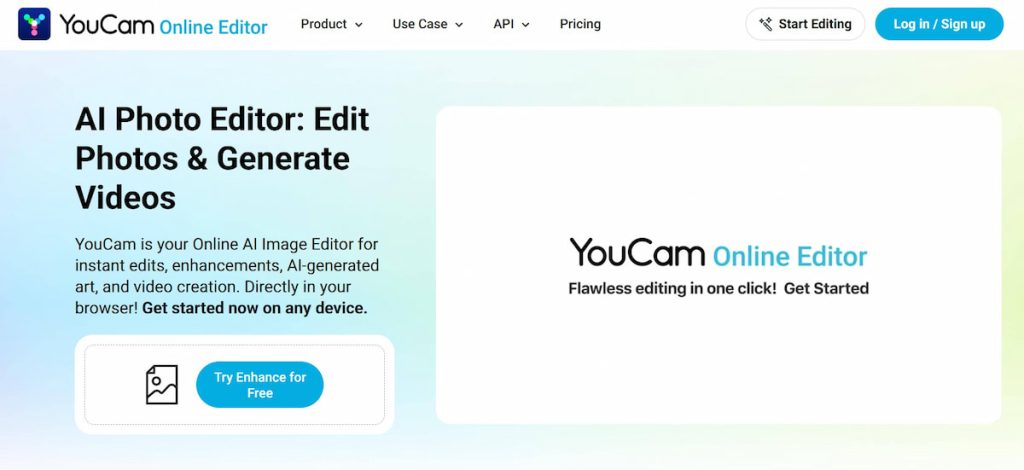
YouCam Online Editor is a powerful all-in-one visual marketing solution designed to elevate e-commerce product pages. It combines AI-driven image and video editing with interactive technologies to help brands create high-quality visuals that attract attention and drive conversions.
What sets it apart is its ability to go beyond editing into immersive shopping experiences. Through integrations like YouCam API, brands can enable virtual try-on for beauty and fashion products, allowing customers to see how items look on themselves.
Its main features include
- AI image enhancement (resolution, lighting, clarity improvement);
- Background removal and replacement for clean product visuals;
- AI video editing and content creation for product showcases;
- Virtual try-on for makeup, accessories, and fashion items;
- Skin analysis and skin tone detection for personalized recommendations;
- Scalable content production for large e-commerce catalogs.
Pros
- All-in-one platform covering both image/video editing and virtual try-on;
- Enhances customer engagement with interactive, personalized experiences;
- Reduces production cost and time compared to traditional shoots.
Cons
- Advanced features may require API integration and technical setup;
- Best suited for beauty/fashion—less impactful for other industries;
- Heavy reliance on user-uploaded photos for full experience.
YouCam Online Editor is a comprehensive visual marketing tool that helps e-commerce brands create, optimize, and personalize product page experiences to drive higher engagement and conversions.
Canva
Canva is a design solution that helps you create quality marketing visuals.
You can use any template it offers and customize it with your brand elements. It reduces the time you need to produce professional visuals.
The key features of Canva include
- Simple interface;
- Extensive template library;
- Brand kits;
- Stock images and elements;
- Collaboration tools.
Pros:
- Fast content creation;
- Affordable pricing;
- No design experience required.
Cons:
- Limited advanced design capabilities;
- Repetitive templates;
- Not suitable for complex design projects.
I love this tool for its simplicity and speed. So, I recommend it for your smaller projects where hiring a designer isn’t practical.
Mailchimp
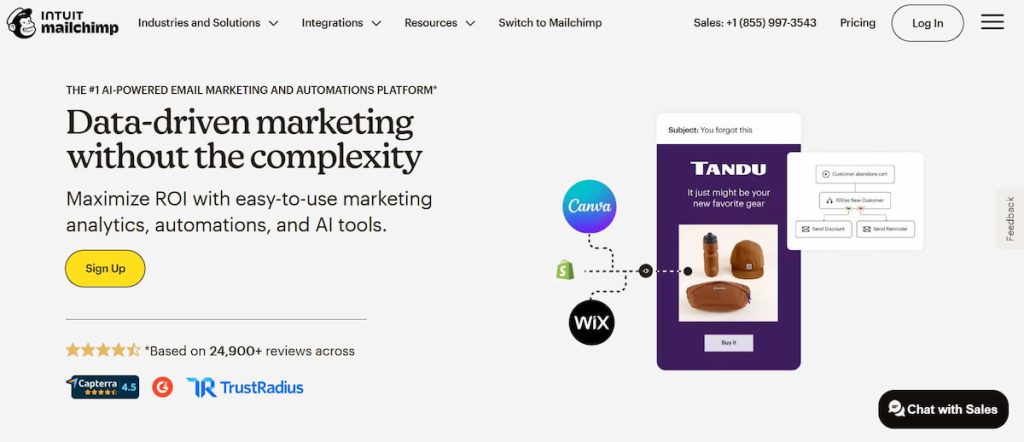
Mailchimp can offer you simple mechanisms for managing email campaigns.
It allows you to build automated email sequences. Plus, you can analyze the impact of each message to adapt your future content.
Mailchimp’s main features are
- Email campaign builder;
- Automation workflows;
- Audience segmentation;
- A/B testing;
- Performance analytics.
Pros:
- Simple for beginners;
- Strong automation capabilities;
- Reliable delivery;
- Good template variety.
Cons:
- Pricing increases with list size;
- Limited advanced features;
- Some UI limitations.
Email campaigns regularly generate strong ROI. So, I use this solution to maintain consistent engagement with clients.
Supapin
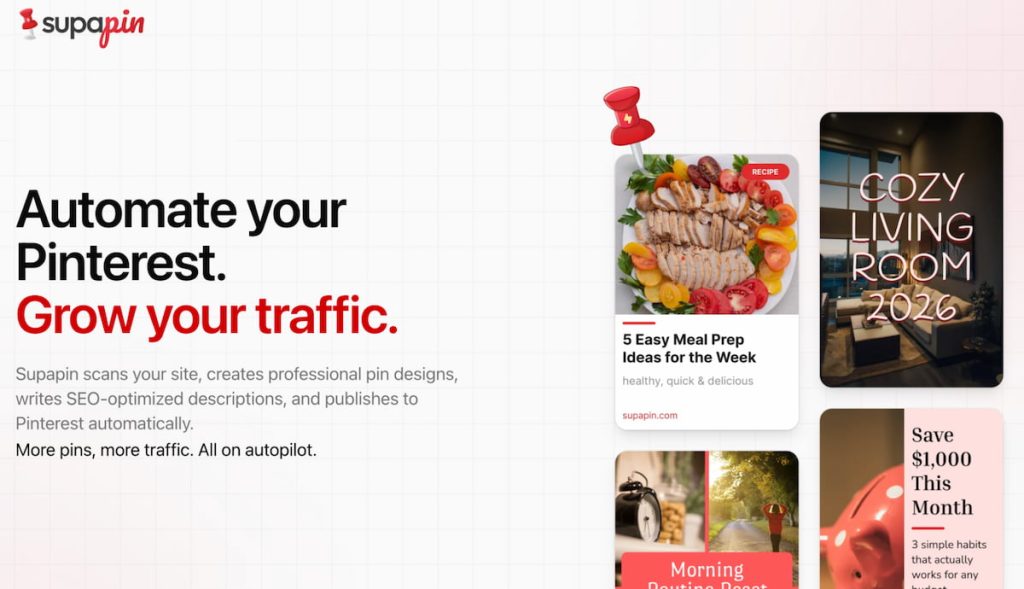
Supapin is an AI-powered Pinterest automation tool that handles your entire marketing workflow, from pin creation to publishing. It focuses on turning your website content into consistent pins that drive organic traffic.
It scans your sitemap, generates pin designs using AI, writes SEO-optimised descriptions, and publishes everything to Pinterest, without any manual input.
Its key features include
- Automated sitemap scanner;
- AI-generated pin designs;
- SEO-optimised titles and descriptions;
- AI board selection and multi-board posting;
- Smart scheduling;
- Pin performance analytics with CSV export.
Pros:
- Entire Pinterest workflow on autopilot;
- Pinterest-approved, uses the official API;
- AI copy that outperforms manual writing;
- Works with WordPress, Shopify, WooCommerce, Etsy, and more.
Cons:
- Pinterest-only, no other social platforms;
- Auto-create daily pins locked to the Business plan;
- No ongoing free plan.
I use this tool to keep Pinterest active without it eating into my time. It pushes content out consistently while I can focus on everything else.
Templated
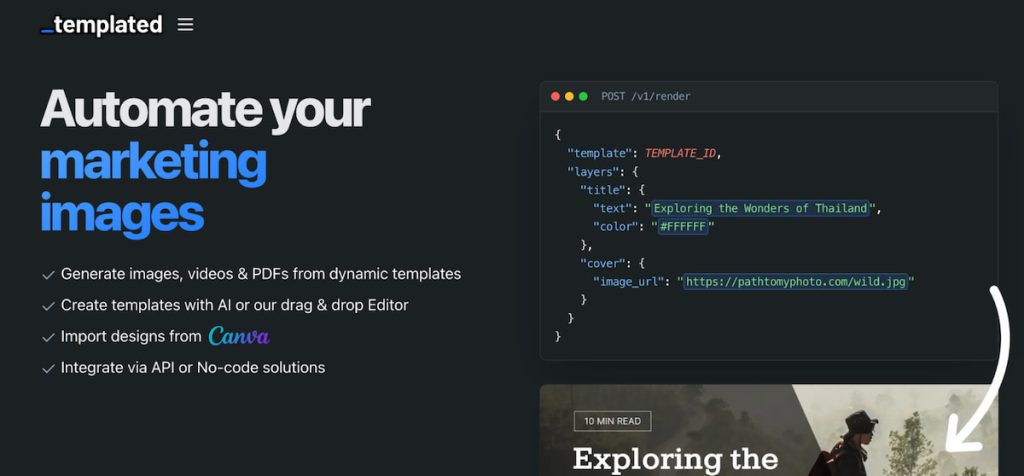
Templated is an image, PDF, and video generation API that lets you automate the creation of marketing assets and documents at scale. It focuses on letting you design a template once, then render it thousands of times with dynamic content through a simple API call.
You build or import a template using their drag-and-drop editor, then send a POST request with your custom data text, images, colours and it returns a finished image, video, or PDF within seconds. It also supports no-code platforms so you don’t need to write any code to use it.
Its key features include
- Drag-and-drop template editor;
- AI template generator;
- Image, video, and PDF rendering via API;
- Canva template import;
- No-code integrations (Zapier, Make, n8n, Airtable);
- Embeddable white-label editor;
- Multiple output formats (JPEG, PNG, WebP, MP4, PDF);
- Webhooks and team collaboration tools.
Pros:
- Simple API with fast ~2 second render times;
- Supports images, videos, and PDFs all in one platform;
- No-code friendly — works with Zapier, Make, n8n without writing code;
- White-label editor you can embed directly into your own app;
- 200+ free pre-designed templates to start from;
- Canva API alternative at a much more accessible price point.
Cons:
- Free trial is limited to just 50 credits;
- Video generation is less mature compared to image and PDF features;
- Advanced features like team collaboration and webhooks require higher-tier plans.
I use this tool to automate repetitive design work things like social media graphics, certificates, and product images that follow the same layout but need different content each time. It plugs into my existing workflows without any friction.
How to Pick the Right Alternative
You have to concentrate on marketing tools that fit your unique needs.
It’s important to find an instrument that truly meets your goals. Also, you have to review which marketing channels are contributing to your results.
Here are some basic aspects to assess when picking a tool:
- User-friendly interface;
- Integration capabilities;
- Scalability for growing data and users;
- Pricing against potential ROI;
- Feature choice;
- Dependable support;
- Security.
Also, I suggest that you look through real user feedback to understand the practicality of your potential instruments.
Conclusion
Working smarter with the right tools is the only right marketing strategy now. The platforms you choose for your campaigns should deliver consistent and quality results on every channel.
You need to determine a set of instruments that matches your individual needs. Make sure to create a structure that will help you outperform your competitors.
Hope that some of the tools I suggested will be useful for you. You can combine these alternatives to create a complex strategy and achieve outstanding results!